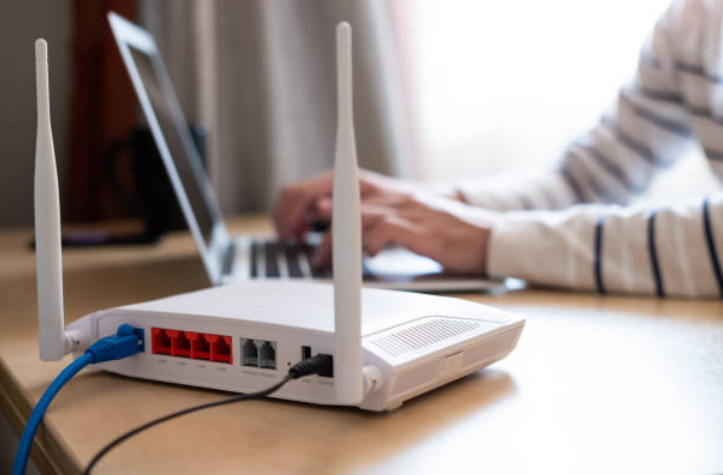
Your ping looks fine in the lobby, then jumps during a match. Could the connection between your gaming device and router be part of the problem? Often, yes.
Ethernet generally delivers more consistent latency because it uses a physical cable rather than shared radio frequencies. Modern Wi-Fi can perform well, but distance, interference, congestion, and signal quality can make performance less predictable.
Why Ethernet Usually Wins On Stability
Ethernet gives your PC or console a direct wired connection to the router, removing the wireless hop inside your home. For competitive gaming, that usually means fewer variables affecting latency and packet delivery.
Wi-Fi has improved substantially, and Intel notes that current wireless connections can approach Ethernet for speed and latency. Even so, wireless traffic still operates over radio channels that may be shared with other devices.
For a player switching between competitive matches and a browser-based service such as kwg game, Ethernet can be useful when consistent network behavior matters more than mobility.
Why A Fast Wi-Fi Speed Test Can Be Misleading
A high download result does not prove a connection will stay stable during a match. Online games depend heavily on consistent latency, low packet loss, and timely delivery of small amounts of data.
Wi-Fi interference can cause retries and increased latency. Cisco identifies common 2.4 GHz interference sources including Bluetooth devices, cordless phones, microwave ovens, and other wireless equipment.
Imagine a laptop showing 300 Mbps on a speed test but getting ping spikes while nearby devices compete for airtime. A slower Ethernet link could still feel better in a game because its latency remains steadier.
When Wi-Fi Is Good Enough For Online Gaming
Running an Ethernet cable is not always practical with laptops, shared rooms, or a distant router. A well-configured modern Wi-Fi connection can still provide strong gaming performance.
Router location matters. Shorter distance, fewer walls, and less radio interference generally give Wi-Fi a better chance of staying consistent. Newer Wi-Fi generations also include technologies intended to improve performance with multiple active devices.
Frequency band choice can make a noticeable difference too. A 5 GHz connection usually offers higher speeds and experiences less interference than 2.4 GHz, but its shorter range and weaker wall penetration can become a problem when the router is several rooms away. Players should test both bands rather than assuming the faster-looking option will always provide steadier latency.
Wi-Fi may therefore be perfectly reasonable for casual play or competitive sessions where testing shows stable ping. No wireless setup behaves identically in every home, though, so the label on the router does not settle the question by itself.
How To Test Wi-Fi Against Ethernet Properly
Compare both connections under the same conditions instead of relying on advertised speeds. The game’s own network statistics are usually more useful than a single broadband speed test.
Run several matches on each connection and check for:
- Average ping and sudden latency spikes
- Packet-loss warnings or connection icons
- Short freezes, delayed input, or rubber-banding
- Changes when other household devices are active
Players using kwg deposit or another online platform can use the same comparison method. If problems disappear on Ethernet but return on Wi-Fi, the local wireless connection deserves attention; if both behave poorly, the cause may be farther upstream.
Which Connection Should You Choose?
Choose Ethernet when stability matters most and running a cable is practical. Competitive players benefit because a wired link removes interference and signal strength from the local connection equation.
Choose Wi-Fi when mobility matters more, or when a wired connection is unrealistic. Test 5 GHz, 6 GHz where supported, router placement, and network load before assuming Wi-Fi itself is unusable.
For online gaming, Ethernet remains the safer choice for predictable stability, while modern Wi-Fi can come surprisingly close under good conditions. The best answer still depends on the network inside your home, not just the speed printed on the internet plan.